If you are looking for a way to send LinkedIn messages to many prospects, the practical answer is not to paste one pitch into a large list and press send. Use LinkedIn to identify a focused audience, research the people who fit it, let AI help prepare a first draft, and have a person review and send each message. That gives you some efficiency without turning every recipient into the same merge-field template.
Short answer: You can make LinkedIn outreach more efficient, but blind mass messaging is a poor substitute for relevance. The stronger workflow is to automate research support, drafting, CRM capture, and follow-up while keeping the final message, decision to contact, and send under human review.
What LinkedIn mass messaging should mean in practice
There are two very different ideas hiding behind the phrase “LinkedIn mass messaging.”
The first is a broadcast campaign: select a large audience, fill in a few variables such as first name and company, and send the same sequence to everyone. That approach prioritizes volume. It may suit a team that has deliberately chosen campaign automation and accepts the trade-offs around message quality, platform rules, and relationship context.
The second is a repeatable outreach process: define a narrow audience, inspect each profile, prepare a message from real context, review it, send it, and record what happened. This approach still creates leverage, but it treats scale as a process problem rather than permission to remove judgment.
For most sales and recruiting conversations on LinkedIn, the second approach is the safer starting point. LinkedIn’s own guidance recommends clear, relevant, respectful direct messages and points toward referencing something specific about the recipient, such as recent work or posts. Its guidance on personalized outreach likewise frames personalization as making communication relevant and meaningful instead of generic. LinkedIn’s direct-messaging guidance and personalized-sales-outreach guidance support that standard.
The goal of a first message is usually not to close a deal. It is to start a credible conversation with someone who has a plausible reason to care.
Why blind mass sends underperform
A generic message fails before the recipient has a chance to evaluate the offer. It asks them to do the work of figuring out why they were contacted, while giving them no evidence that the sender understands their role, situation, or priorities.
Adding a first name does not solve that problem. “Hi Maya, I help companies improve sales productivity” is still generic if the same sentence could be sent to 200 people. Useful personalization changes the premise of the message: why this person, why now, and why this subject?
Blind sends also create operational problems:
- Poor audience fit: a job-title list does not prove that each person faces the same problem.
- Weak timing: a public company update or new role may not mean the person is ready for your offer.
- Unclear accountability: when replies stay in separate inboxes, follow-up can depend on one rep remembering what happened.
- Low learning quality: if the audience, message, and timing all vary at once, reply patterns are difficult to interpret.
- Reputation risk: recipients remember irrelevant outreach, and platform restrictions or third-party terms can change.
That does not mean every high-volume workflow is automatically wrong. It means volume is a category choice, not a quality shortcut. Dedicated outreach tools such as LinkedFusion can support campaign automation when that is the deliberate operating model. Review the current rules of the platform and the terms of any automation product before using it. Do not assume that a tool’s ability to automate an action means the action is endorsed, risk-free, or suitable for every account.
A practical AI-assisted outreach playbook
1. Define a narrow audience
Start with a shared problem, not just a title. “VPs of Sales” is a directory filter. “Newly hired sales leaders at B2B SaaS companies where LinkedIn prospecting is active but CRM handoffs are inconsistent” is a working outreach hypothesis.
Write a short audience brief:
- Who is the person, and what do they own day to day?
- What event or workflow makes the conversation timely?
- What problem can you discuss without guessing?
- What useful example, resource, or observation can you offer?
- What is the smallest reasonable next step?
A narrow brief makes personalization easier and helps the team learn from replies across a comparable group.
2. Research one real trigger
Research is not a hunt for a clever compliment. It is a check that your reason for contacting someone is real.
Look for public context that could change the message: a new role, a relevant post, a hiring pattern, a product launch, an account expansion, or an earlier conversation. Then ask whether that observation connects honestly to something you can help with.
Keep the note short. One accurate trigger is enough. If there is no real trigger, do not invent one from a vague company description. Send a broader message that makes no claim about the person’s priorities, or do not send anything.
3. Give AI the right inputs
AI is most useful when it receives evidence and constraints, not a vague instruction to “write a personalized LinkedIn message.”
A useful prompt or messaging workflow can include:
- the recipient’s role and company;
- the verified profile or post detail that prompted the outreach;
- the problem your offer addresses;
- the useful thing you can share;
- the desired tone and length;
- words, claims, or promises to avoid; and
- a small, low-friction call to action.
Ask the AI for two or three alternatives rather than a long sequence. Compare them against the source context. If the draft adds a fact that is not visible in the profile, post, or conversation, remove it.
4. Personalize the premise, not just the greeting
A strong message usually has four parts:
- Observation: a specific, accurate trigger.
- Relevance: a problem or question that logically follows from it.
- Value: what you can show, share, or solve.
- Small ask: a question or permission-based next step.
For example:
Hi Jordan, congrats on the VP Sales role at Northstar. When a team is building an outbound motion, LinkedIn activity can become hard to track in the CRM. Is that already standardized for your team, or is it still manual?
Or, when the trigger is a company signal:
Hi Elena, I noticed your team is hiring in customer success. That can create more handoffs between sales and CS. We help teams keep LinkedIn prospect and conversation context attached to the CRM record. Would a short example be useful?
Both examples depend on the observation being true. Neither assumes the recipient has a problem, uses exaggerated praise, or demands a meeting before a conversation exists.
5. Review every draft before sending
The person sending the message remains responsible for its accuracy, tone, timing, and relevance. Use a short review checklist:
- Is every factual reference visible in the source context?
- Does the message explain a real reason to contact this person?
- Have you removed assumptions, flattery, and jargon?
- Is the ask easy to answer without booking time immediately?
- Could this exact message be sent to 200 other people unchanged?
If the last answer is yes, revise the premise, make the ask smaller, or leave the prospect alone. This is the point where AI-assisted outreach stays personal. AI handles the blank page. The rep decides whether the message deserves to exist.
6. Send deliberately
A manual send is useful quality control. It gives the rep one last chance to catch a bad assumption and choose an appropriate time. It also keeps the sender aware of what is actually being sent instead of hiding the decision inside a campaign queue.
Keep the first note short. Do not stack multiple claims, links, and calls to action into an introduction. If the recipient responds, answer what they actually said rather than restarting a prepared pitch.
7. Follow up with a reason
Do not make “send again in three days” the entire follow-up strategy. A useful follow-up can add a relevant example, answer a question, refer to an agreed next action, or politely close the loop.
If the recipient does not engage, one thoughtful follow-up may be enough. If they decline, respect the answer. If they reply, carry the substance of the conversation forward. Every active conversation should have an owner, visible history, and one next action.
Choosing the right outreach category
Different categories solve different problems. Pick the operating model before choosing a tool.
| If you need… | A suitable category is… | Main trade-off |
|---|---|---|
| High-volume sequencing | Dedicated outreach automation | More reach, but greater need for platform-rule review, quality control, and suppression management |
| Manual, personalized LinkedIn outreach | Rep-led prospecting with drafting support | Better judgment and relevance, but more work per prospect |
| AI-assisted drafting with profile context | AI messaging or sales-assistance workflow | Faster preparation, but every draft still needs human review |
| Shared conversation records and ownership | CRM synchronization and team workflow | Better continuity, but setup and field discipline matter |
High-volume messaging can be the right category for a team that has deliberately chosen campaign automation. It is not the same product problem as helping a rep write a relevant note and preserve the resulting conversation in the CRM.
The useful question is not “Which tool sends the most messages?” It is “What kind of relationship and sales process are we trying to create?”
Where LeadCRM fits
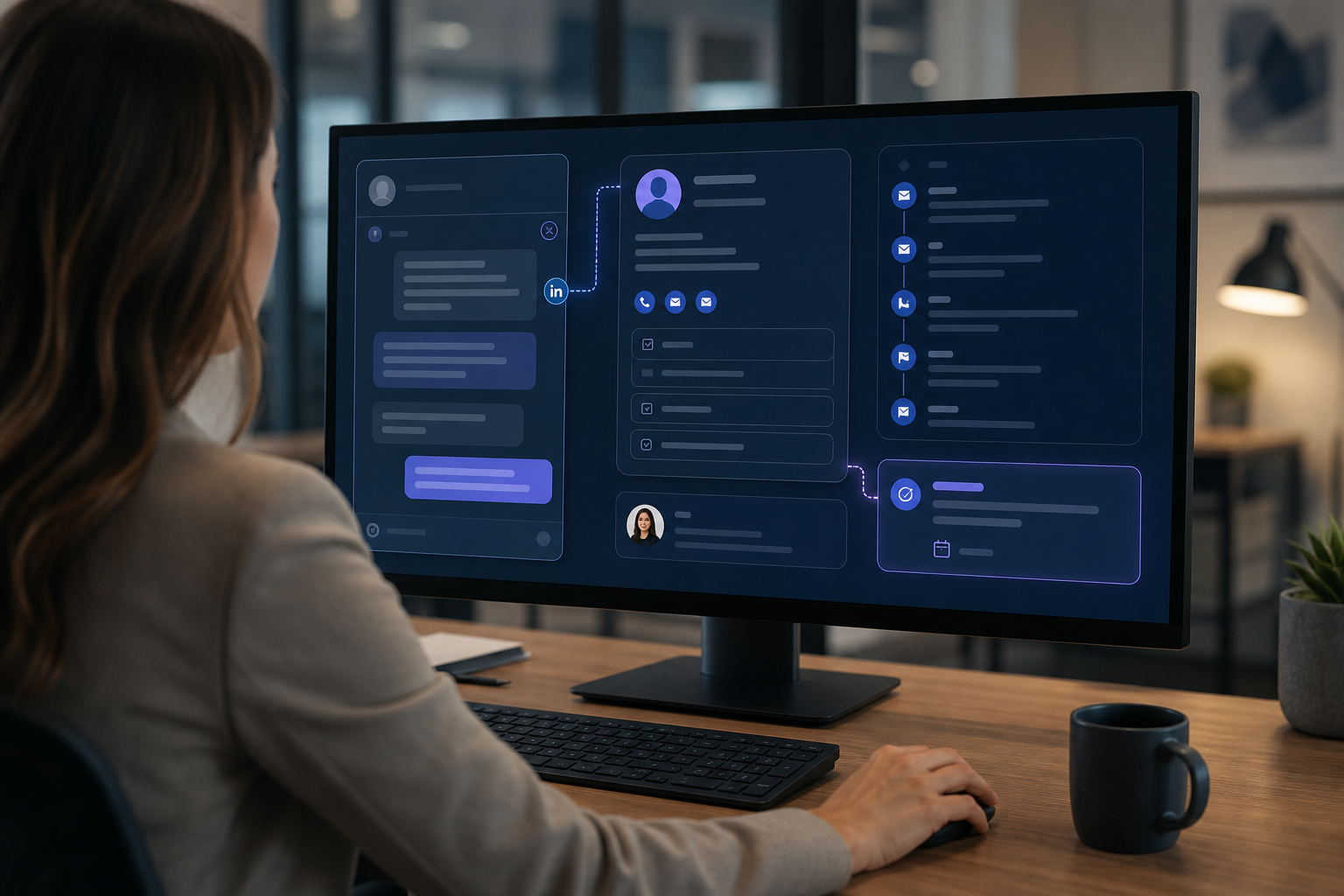
Once a team chooses the personal, rep-led route, the friction is often the work around the message: checking whether a CRM record exists, copying profile details, preserving the conversation, and assigning a next step after someone replies.
LeadCRM fits that implementation layer. It connects LinkedIn prospecting with the CRM workflow without making automated bulk messaging the workflow. The rep can open a LinkedIn or Sales Navigator profile, check for an existing CRM record, and link or create the appropriate record according to the team’s process.
Check the record before creating one
LeadCRM can use the LinkedIn profile URL to help identify a matching record and supports a Search & Link workflow when the rep needs to connect the right record manually. This helps reduce duplicate creation while leaving the linking decision with the user.
Configure fields before prospecting
Teams can configure separate mappings for contact, company, and enriched data, with user-controlled decisions about mapping and overwriting fields. That matters when the CRM contains values the team trusts and a new profile import should not overwrite them casually.
Availability depends on the connected CRM and your LeadCRM configuration. The practical goal is to keep the fields that support a useful follow-up and leave unnecessary data out of the record.
Draft with AI, then make the message yours
LeadCRM’s AI-assisted messaging can use available profile or conversation context and the team’s configured voice or brand material to create a starting point. The rep checks the facts, rewrites the opening when needed, and sends the final message manually in LinkedIn.
LeadCRM does not automatically send identical bulk LinkedIn messages to a list. That boundary is useful for teams that want AI to reduce preparation time while keeping the decision and send with a person.
See AI-assisted messaging and LinkedIn workflow support.
Keep the conversation useful after the send
After outreach, LeadCRM can help move or link profile information and LinkedIn activity into the connected CRM according to the selected mappings. Depending on the CRM and configuration, message activity can be recorded as notes or activities. The team then uses its normal CRM workflow for ownership, tasks, and follow-up.
The result is less manual copy-paste and a more complete handoff. The next person can see the profile context, conversation history, and next action instead of asking the original rep to reconstruct the exchange.
See how LinkedIn-to-CRM data sync works.
LeadCRM works through its Chrome extension and is not an official LinkedIn partner, affiliate, or part of LinkedIn. Users should follow the applicable terms of the third-party platforms they use.
Build a workflow people will actually use
A sustainable LinkedIn outreach process gives reps a clear audience brief, one research standard, an AI drafting aid, a mandatory review step, and a CRM record that makes follow-up visible.
If your priority is maximum campaign volume, evaluate dedicated outreach automation as its own category and review the applicable platform rules before adopting it. If your priority is relevant one-to-one conversations that the team can continue after the send, keep the human decision in the loop and automate the surrounding administration.
LeadCRM is one way to implement that second workflow. It helps teams keep personal outreach personal while reducing the manual work of turning a LinkedIn conversation into CRM context.
Start a free LeadCRM account to build the workflow in the CRM your team already uses.
FAQ
Can you mass-send LinkedIn messages?
Some dedicated outreach products support high-volume sequencing, but the suitability of that approach depends on the platform rules, the tool, the account, and the quality of the audience and messages. Blindly sending the same pitch to a large list is not a responsible substitute for relevant outreach.
How should AI be used for LinkedIn outreach?
Use AI to organize verified context and prepare a starting draft. A person should check the facts, remove unsupported assumptions, decide whether the message is relevant, edit the tone, and send it manually.
Does LeadCRM send bulk LinkedIn messages automatically?
No. LeadCRM supports a rep-led workflow for capturing LinkedIn prospect data, preparing AI-assisted drafts, manually sending messages, and preserving activity for CRM follow-up.
What can LeadCRM sync from LinkedIn into a CRM?
Availability depends on the connected CRM and LeadCRM configuration. Teams can configure profile fields, LinkedIn URLs, company context, enrichment, and message activity, with notes or CRM activities used where supported. Mapping and overwrite choices remain under the team’s control.
When should a team use a high-volume outreach tool?
Use that category when high-volume sequencing is the operating model the team has deliberately chosen. Review the applicable platform rules and weigh reach against relevance, message quality, account risk, and CRM continuity.