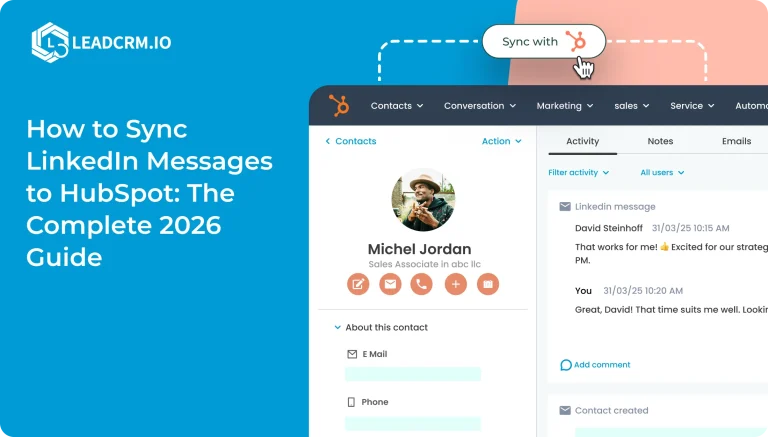
Sales Navigator offers a variety of monitoring options that may be used to efficiently track your accounts and sales.
Nevertheless, you can go one step further and sync your Sales Navigator with your CRM. This helps with the movement of important data from CRM to Sales Navigator, including leads and accounts.
Before we get started, it should be noted that you need to have a Sales Navigator Team or Enterprise edition in order to enable the LinkedIn CRM sync or the integrated profile. Installing the LinkedIn Sales Navigator extension for CRM will allow you to connect with prospects directly from CRM after finding them on LinkedIn.
What Is a Sales Navigator?
Sales Navigator is a technology that gives salespeople exceptional knowledge of their clients’ professional lives.
By checking out their business profiles and keeping up with their status changes, you can judge the value of leads. Finding the correct leads and converting them accordingly becomes simple.
CRM gives you have access to:
- Their sales data as well
- You can connect with people on LinkedIn
- Reach out to them
- Follow their updates
- Explore their network
When Sales Navigator and CRM are integrated, it’s much simpler to contact a prospect on LinkedIn without having to switch windows.
Here is where sales teams can get the best chrome extension to generate better leads and revenue: LeadCRM
How Can You Connect Your LinkedIn Account with the CRM of Your Choice?
LeadCRM is a chrome extension that is used to sync LinkedIn Sales navigator to the CRM of your choice. Here is how you can do that :
- #Step 1 :Download LeadCRM chrome extension

Then log in to LeadCRM and Click On Integration. This will let you integrate your CRM to LeadCRM for ease export of your clients data or leads data into your LinkedIn account.

- #Step 2 : Log into LinkedIn Sales Navigator first.
There on the right you will see the “Add CRM” button which will integrate your LinkedIn account to your CRM.

Here in the image below you can see that the information of your contact details have been exported to the CRM of your choice.

With these simple steps you can integrate your LinkedIn account to the CRM of your choice.
Why Should You Connect LinkedIn with LeadCRM?
You can view the LinkedIn Sales Navigator associated list in the details page of leads, contacts, accounts, and deals by installing the LeadCRM chrome with your CRM.
- Your prospects’ profiles are shown in the associated list as widgets.
- To follow up with CRM leads, contacts, and accounts via LinkedIn, push those information to Sales Navigator.
- Follow the professional activity of your clients on LinkedIn.
- Investigate the connections and professional network of your customers to get additional leads.
Now that we know the benefits of syncing CRM’s to LinkedIn let’s and how can we achieve that download LeadCRM now to optimize your sales process.