Get your Black Friday deal today! Avail now! 💥

How to Log and Track Emails in HubSpot

Email communication plays a central role in most sales processes. HubSpot makes it easier to manage these interactions by allowing sales representatives to log and track emails directly from Gmail or Outlook. When emails are logged, they are automatically recorded in the contact’s activity timeline within HubSpot. This allows teams to maintain a complete history of conversations with prospects and customers. 

Table of Contents

Email tracking provides additional insights by notifying sales representatives when recipients open emails or click links. These engagement signals help sales teams identify interested prospects and follow up at the right time.

This guide explains how to connect your inbox, log emails, and track email engagement in HubSpot.

Step 1: Connect Your Email Inbox to HubSpot

Before you can log and track emails, your inbox must be connected to HubSpot.

  • Log in to your HubSpot account.
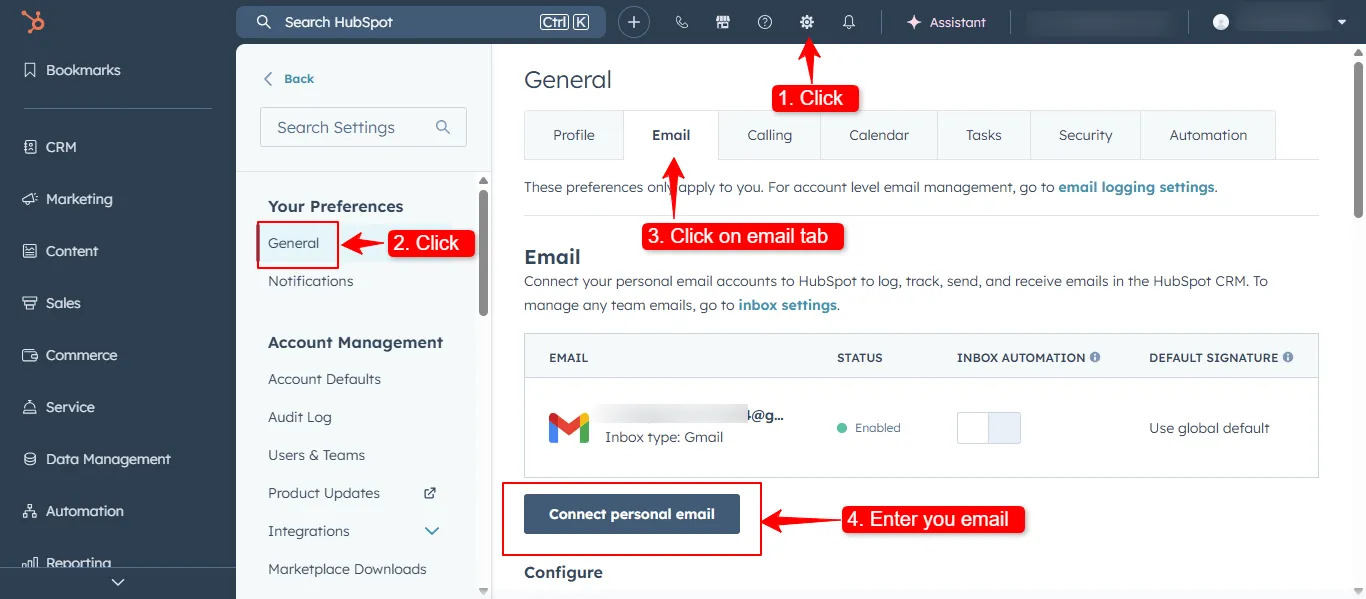
  • Click the Settings icon in the top navigation.
  • Navigate to General and select Email or Integrations.
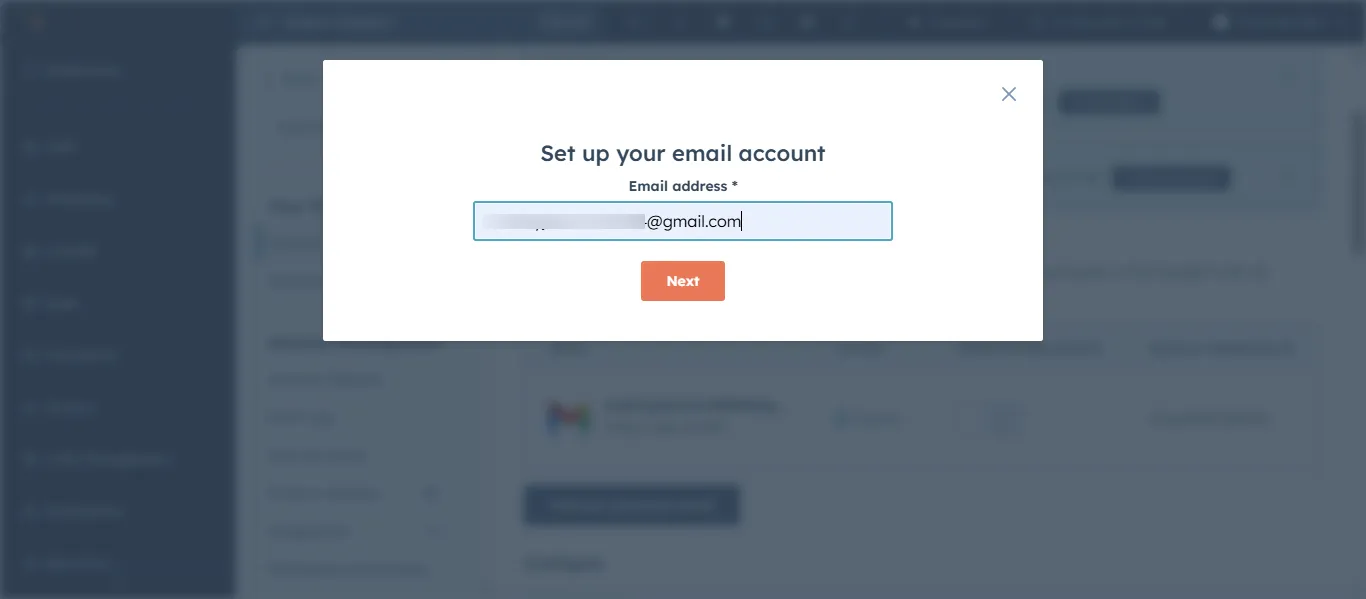
  • Choose Connect Personal Email.
  • Select your email provider such as Gmail or Outlook.
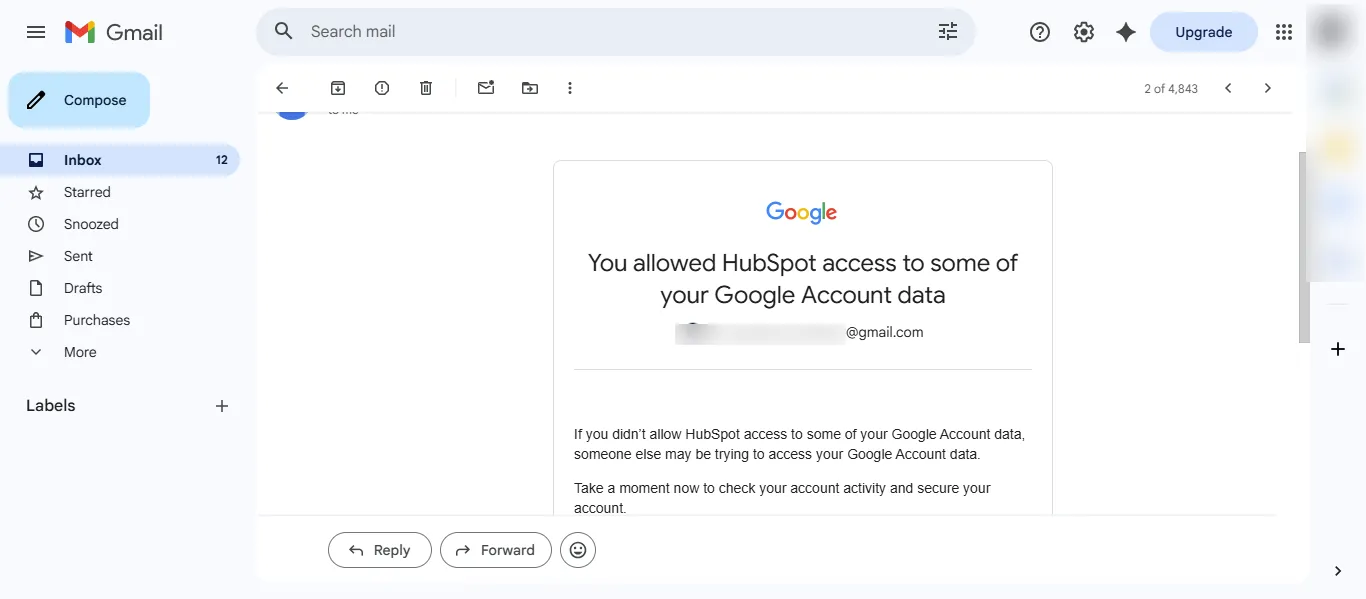
  • Follow the authentication process to complete the connection.

Once connected, HubSpot can automatically log emails and track engagement.

Step 2: Install the HubSpot Email Extension

To log and track emails from your inbox, you need the HubSpot extension.

For Gmail users:

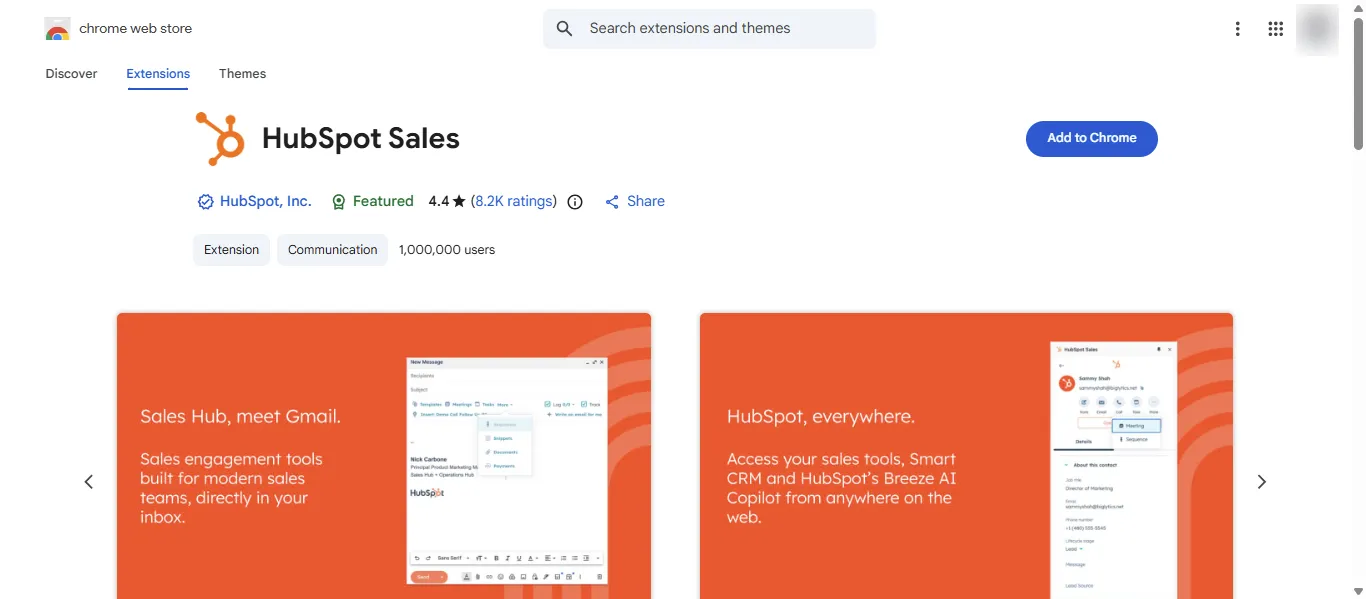
  • Open the Chrome Web Store.
  • Search for the HubSpot Sales extension.
  • Click Add to Chrome.
  • Sign in with your HubSpot account.

For Outlook users:

  • Open the Microsoft AppSource store.
  • Install the HubSpot Sales add in.
  • Connect your HubSpot account.

After installation, the extension adds logging and tracking options to your email interface.

Step 3: Log Emails Automatically

Logging emails ensures that all communication is recorded in CRM.

To log an email:

  • Compose an email in Gmail or Outlook.
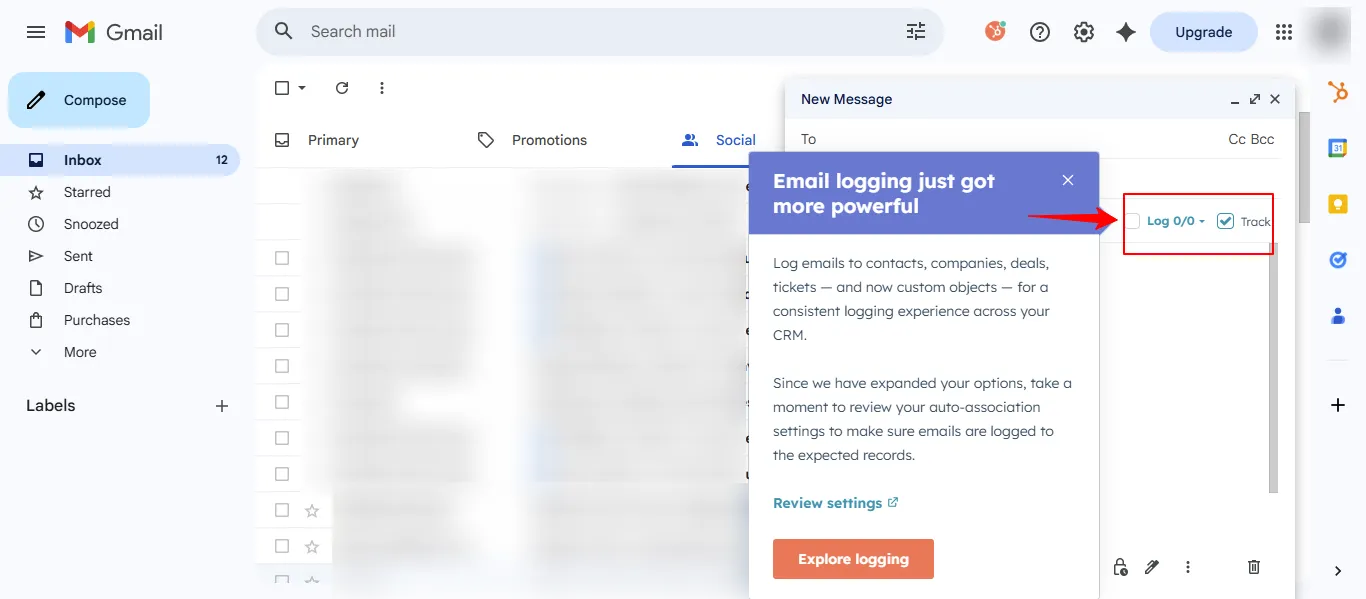
  • Enable the Log checkbox in the HubSpot panel.
  • Send the email as usual.

HubSpot will automatically attach the email to the corresponding contact record.

Logged emails appear in the contact activity timeline, allowing your team to review previous communication.

Step 4: Enable Email Tracking

Email tracking allows sales representatives to see when a recipient opens an email.

To track an email:

  • Compose a new email in your inbox.
  • Select the Track checkbox in the HubSpot panel.
  • Send an email.

HubSpot will notify you when the email is opened or when links are clicked.

These notifications help identify prospects who are actively engaging with your outreach.

Step 5: View Email Activity Inside HubSpot

All logged and tracked emails are stored within the CRM.

To review email activity:

  • Open a Contact record in HubSpot.
  • Navigate the Activity timeline.
  • Review sent emails, replies, and engagement notifications.

Sales teams can see:

  • Email open events
  • Link clicks
  • Reply messages
  • Complete communication history

This visibility helps representatives prepare for follow ups and conversations.

Step 6: Use Email Insights to Better Follow Ups

Email tracking helps sales teams identify when prospects are interested.

For example:

  • Multiple email opens may indicate strong interest.
  • Link clicks may signal engagement with product information.
  • Lack of opens may suggest the need for a different approach.

Sales representatives can use these insights to time their follow ups and improve response rates.

Best Practices for Logging and Tracking Emails

To make the most of HubSpot email tracking:

  • Always enable logging for sales related emails
  • Use tracking when sending outreach messages
  • Review engagement notifications regularly
  • Avoid over sending emails when prospects have not responded
  • Keep communication personalized and relevant

Conclusion

Logging and tracking emails in HubSpot help sales teams maintain complete visibility into prospect communication. By connecting your inbox and enabling tracking, every email interaction is automatically recorded inside the CRM.

This not only saves time but also provides valuable engagement insights that help representatives follow up with prospects at the right moment and build stronger relationships throughout the sales process.